

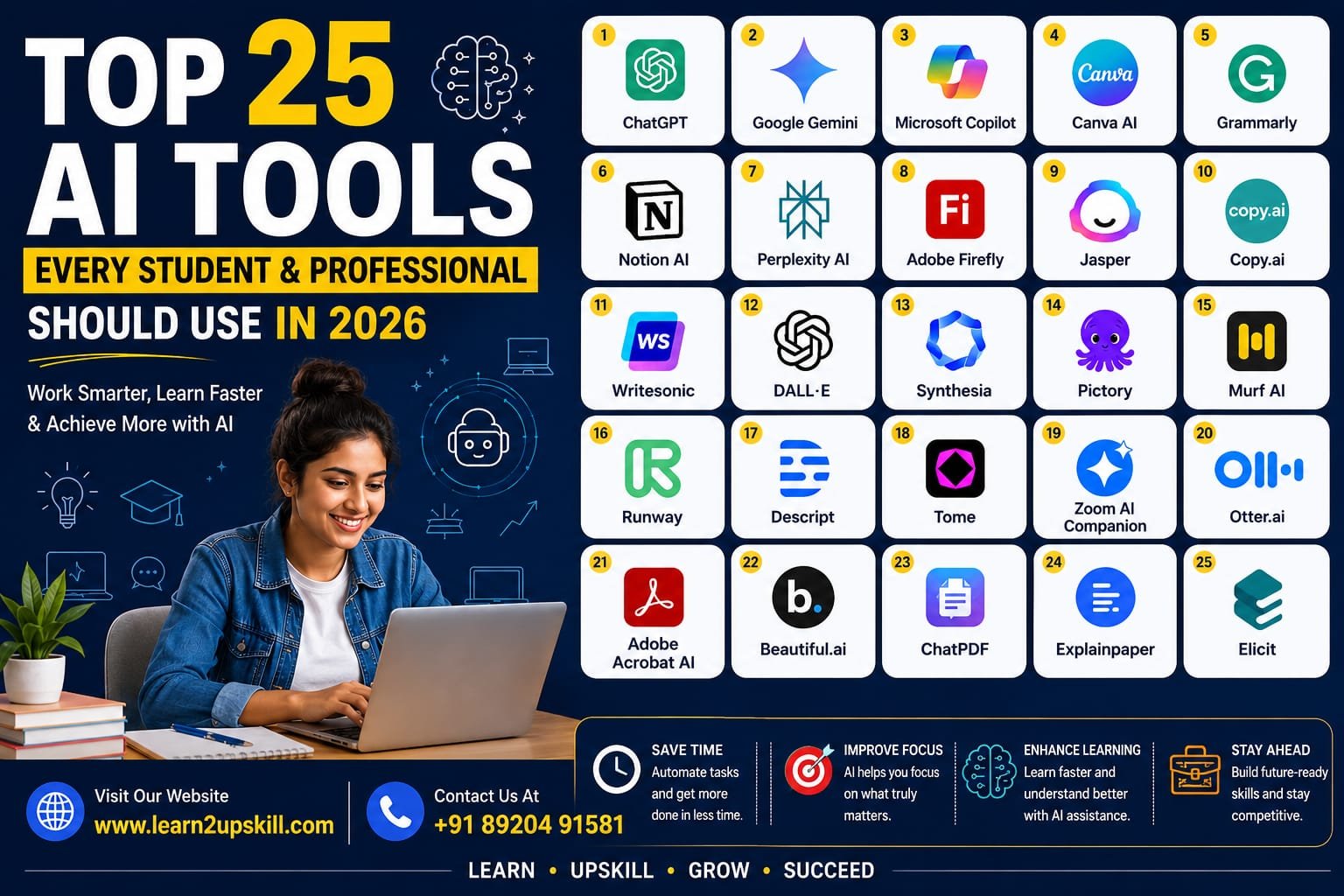
Top 25 AI Tools Every Student and Professional Should Use in 2026
Top 25 AI Tools Every Student and Professional Should Use in 2026
Meta Title: Top 25 AI Tools Every Student and Professional Should Use in 2026
Meta Description: Discover the 25 best AI tools for students and professionals in 2026. Boost productivity, improve learning, create content, and save time with these powerful AI tools.
URL Slug: top-25-ai-tools-for-students-and-professionals-2026
Top 25 AI Tools Every Student and Professional Should Use in 2026
Artificial Intelligence (AI) has become an essential part of education and the workplace. From writing assignments and creating presentations to designing graphics and analyzing data, AI tools can help students and professionals work faster and more efficiently.
The key is not to replace your skills with AI, but to use AI to improve your productivity, creativity, and decision-making.
In this guide, we’ll explore 25 of the best AI tools you should know in 2026.
—
1. ChatGPT
Best For: Writing, brainstorming, coding, learning, and research
ChatGPT is one of the most versatile AI assistants available today. Students can use it to understand complex concepts, summarize notes, prepare for exams, and practice interviews. Professionals can use it to draft emails, create reports, generate ideas, write code, and solve business problems.
Key Features
– Content writing
– Coding assistance
– Research support
– Resume writing
– Language translation
—
2. Google Gemini
Best For: Research, document creation, and productivity
Google Gemini integrates with Google Workspace, making it useful for users who rely on Docs, Gmail, Sheets, and Drive. It can help draft documents, summarize emails, and assist with research.
Key Features
– Google Workspace integration
– AI-powered writing
– Smart research
– Image understanding
—
3. Microsoft Copilot
Best For: Office productivity
Microsoft Copilot works inside Word, Excel, PowerPoint, Outlook, and Teams. It helps create presentations, analyze spreadsheets, summarize meetings, and draft professional documents.
Key Features
– Excel analysis
– PowerPoint generation
– Meeting summaries
– Email drafting
—
4. Canva AI
Best For: Graphic design and presentations
Canva AI allows anyone to create professional designs without advanced design skills. It can generate presentations, social media posts, logos, posters, and marketing materials in minutes.
Key Features
– AI image generation
– Magic Design
– Presentation creator
– Background remover
—
5. Grammarly
Best For: Writing improvement
Grammarly checks grammar, spelling, punctuation, tone, and clarity. It is especially useful for students writing assignments and professionals preparing business emails and reports.
Key Features
– Grammar checking
– Tone suggestions
– AI writing assistance
– Plagiarism detection (Premium)
—
6. Notion AI
Best For: Notes and project management
Notion AI helps users summarize notes, organize projects, create task lists, and generate content within the Notion workspace.
Key Features
– AI note summaries
– Task management
– Meeting notes
– Content generation
—
7. Perplexity AI
Best For: Research with sources
Perplexity AI provides direct answers with references, making it valuable for students, researchers, and professionals who need reliable information quickly.
Key Features
– Source-backed answers
– Research assistant
– Web search
– AI summaries
—
8. Adobe Firefly
Best For: AI-powered image creation
Adobe Firefly helps create images, text effects, and design assets from simple prompts. It is widely used by designers and marketers.
Key Features
– AI image generation
– Text effects
– Commercial-friendly content
– Easy integration with Adobe Creative Cloud
Contact us for more details
Why Should You Learn AI Tools?
Learning AI tools can help you:
– Save time on repetitive tasks.
– Improve productivity.
– Create professional documents and presentations.
– Learn new concepts faster.
– Build valuable workplace skills.
– Stay competitive in a rapidly changing job market.
Employers increasingly expect candidates to understand how to use AI responsibly and effectively. Combining AI with strong communication, analytical thinking, and technical skills can make you more valuable in almost any industry.
Conclusion
AI is transforming the way we study and work. Whether you’re a student preparing for exams or a professional looking to improve productivity, these tools can help you achieve more in less time. The most successful users won’t be those who rely entirely on AI—they’ll be the ones who combine AI with critical thinking, creativity, and continuous learning.
Start by exploring a few tools that match your goals, practice using them regularly, and keep learning as AI continues to evolve.
Ready to build future-ready skills? Explore more career guides, digital skills, and AI learning resources on Learn2UpSkill to stay ahead in 2026 and beyond.
You May Also Like
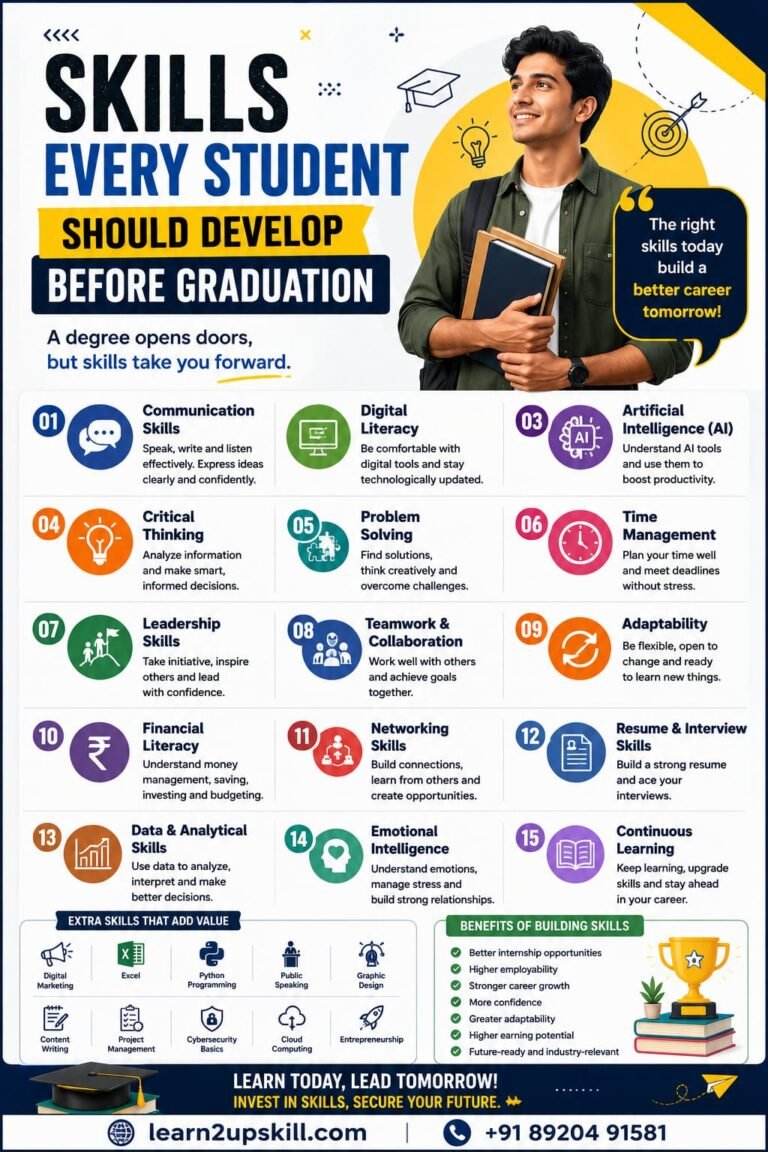
Skills Every Student Should Develop Before Graduation Published by: Learn2Upskill Website: www.learn2upskill.com Contact: +91 89204 91581 Introduction Graduating from college...
-
-
July 23, 2026
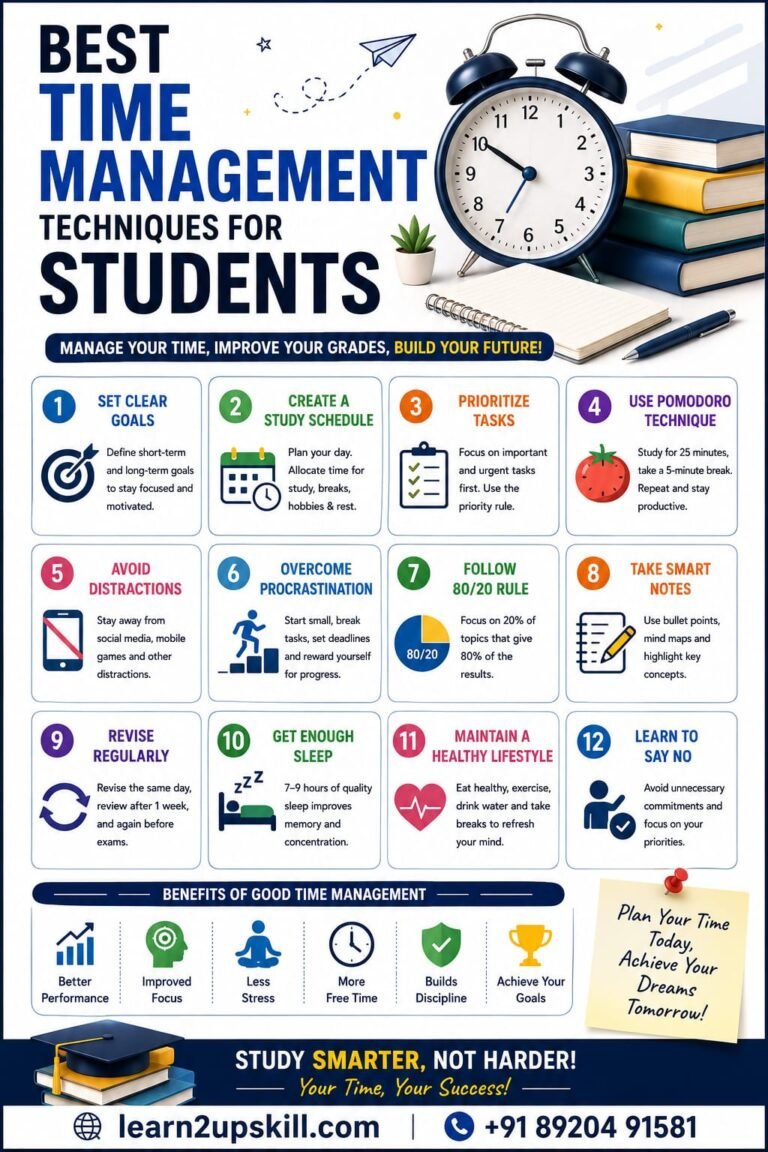
Best Time Management Techniques for Students: Study Smarter, Stress Less Published by: Learn2Upskill Website: www.learn2upskill.com Contact: +91 89204 91581 Introduction...
-
-
July 21, 2026
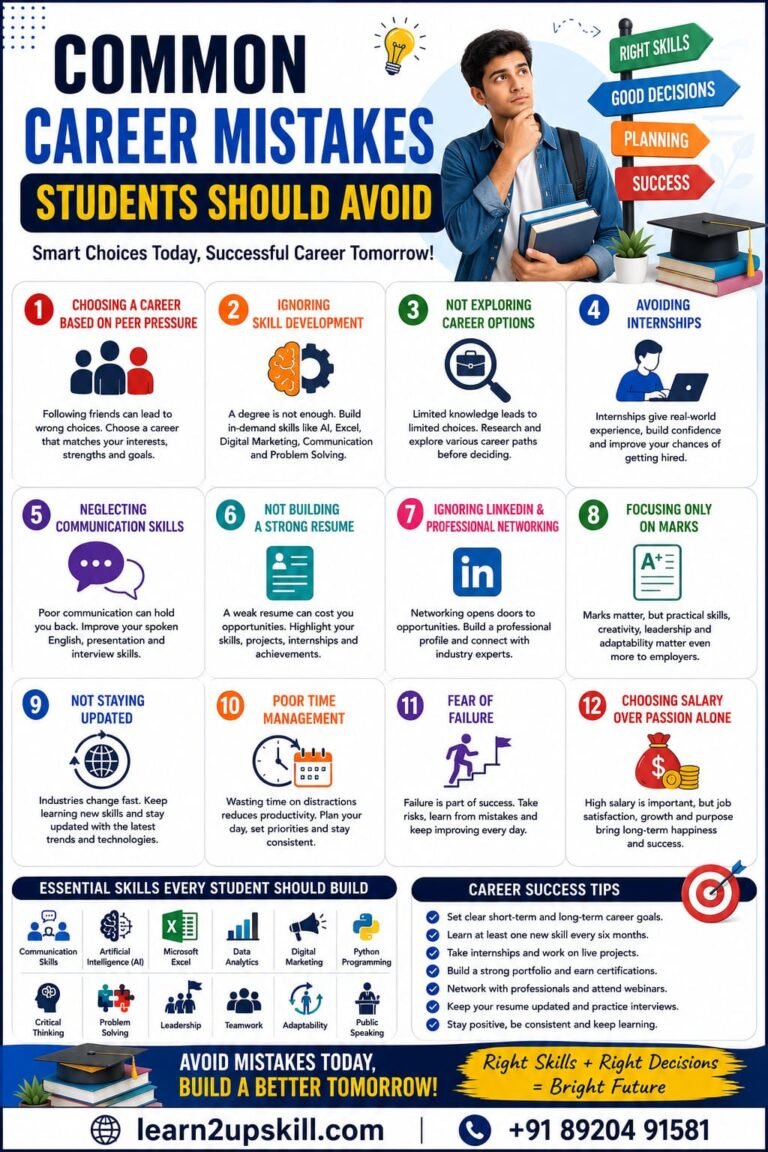
Common Career Mistakes Students Should Avoid: A Complete Guide to Building a Successful Future Published by: Learn2Upskill Website: www.learn2upskill.com Contact:...
-
-
July 19, 2026